
Genie Multi-Agent Selector
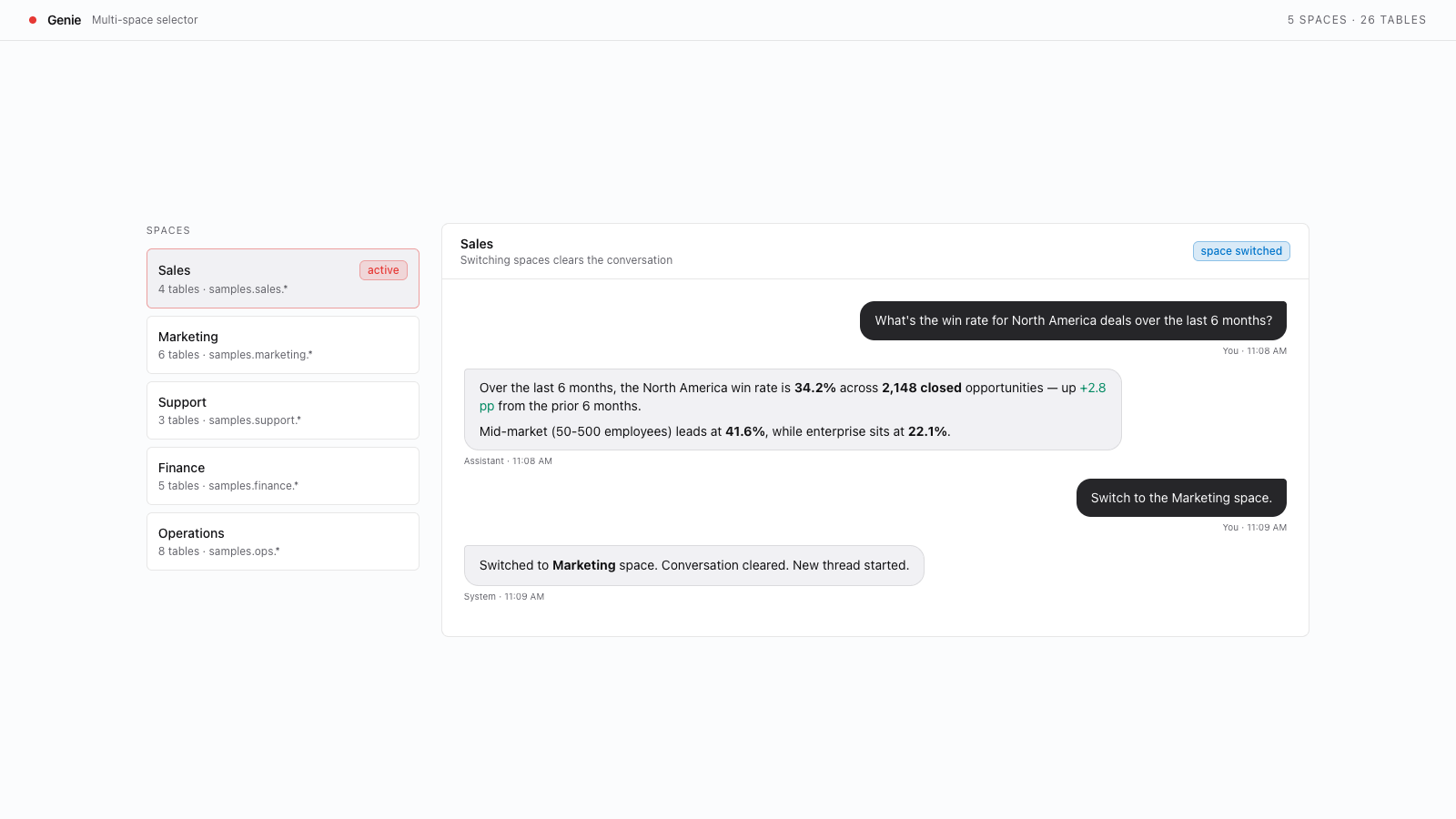
Add a selector so users can switch between multiple AI/BI Genie Agents from a single page. Covers multi-alias server config, per-agent bundle resources, and automatic conversation cleanup on agent switch and redeployment.
Build with AI
- Copy the prompt below
- Paste into Codex, Claude Code, Cursor, or any coding agent
- Your agent builds it — asking questions along the way so the result is exactly what you want
New to templates? Learn more here
When done, you will have:
- Multiple Genie Agents accessible from a single app
- A dropdown selector for switching between named Genie Agents
- Automatic conversation state cleanup when switching agents
- Server and client configuration supporting multiple Genie Agent aliases
Prerequisites
This template upgrades an existing single-agent Genie app to switch between multiple Genie Agents. Verify these Databricks workspace features are enabled before starting. If any check fails, ask your workspace admin to enable the feature.
- AI/BI Genie enabled. Run
databricks genie list-spaces --profile <PROFILE>and confirm the command succeeds. - Two or more Genie Agents configured. The list above must return at least two Genie Agents — one per entry you want in the selector. If you have fewer, create additional Genie Agents in AI/BI Genie in the Databricks UI.
- Databricks Apps enabled. Run
databricks apps list --profile <PROFILE>and confirm the command succeeds. - A scaffolded AppKit app with the Genie feature. Complete the Genie Conversational Analytics template first. This template only covers the upgrade from one Genie Agent to many — not the initial Genie wiring.

