Lakebase Env Management for Off-Platform Apps
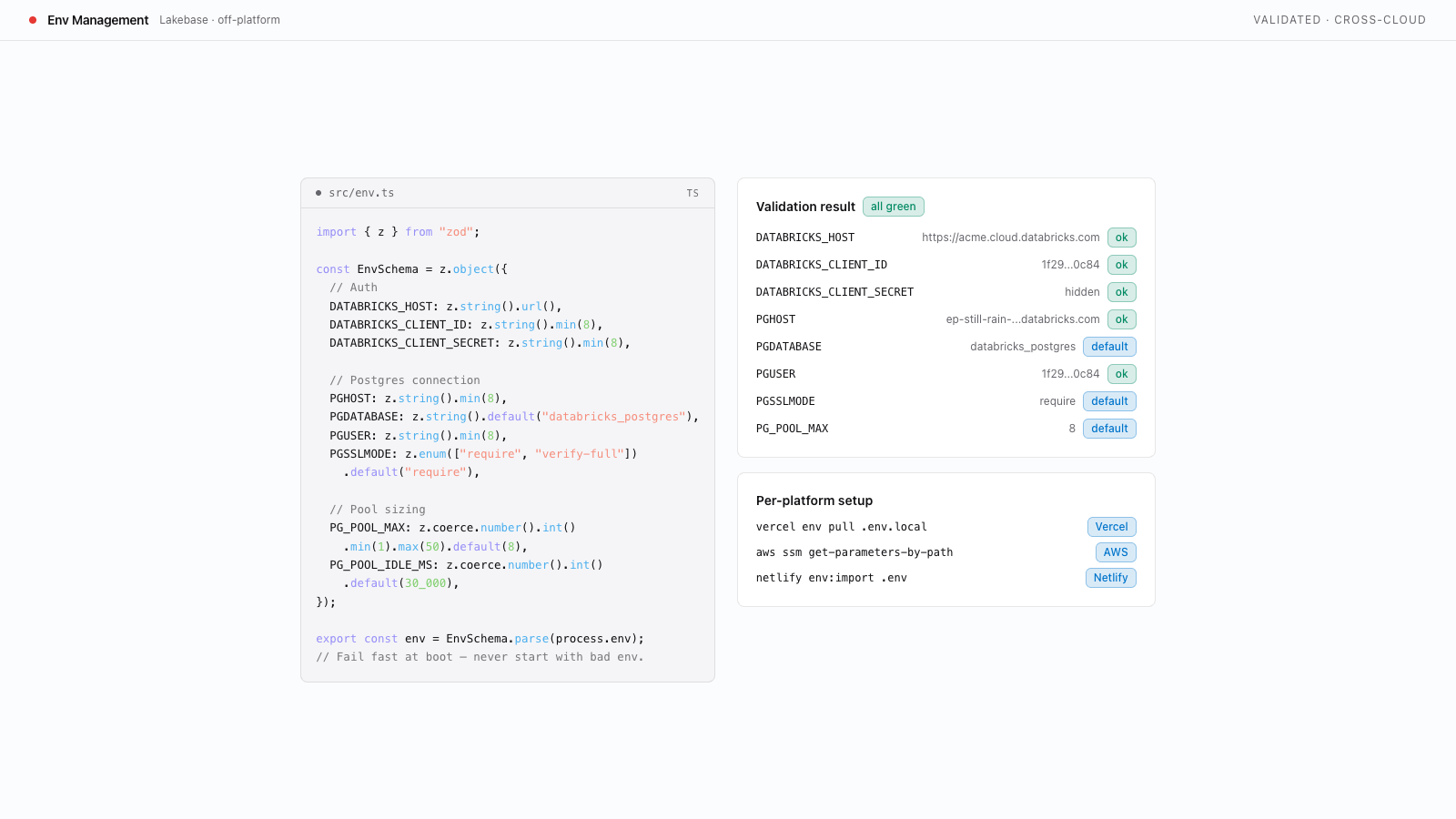
Define and validate cross-platform environment variables for Lakebase-backed apps deployed outside Databricks App Platform.
Build with AI
- Copy the prompt below
- Paste into Codex, Claude Code, Cursor, or any coding agent
- Your agent builds it — asking questions along the way so the result is exactly what you want
New to templates? Learn more here
When done, you will have:
- All Lakebase connection values collected from the Databricks CLI
- A Zod-based environment validation module that fails fast on missing or invalid variables
- Support for both token auth (local dev) and M2M OAuth (production)
- An
.env.examplefile documenting every required variable for your team and CI
Prerequisites
This template collects the environment variables needed to reach Lakebase from an app running outside Databricks App Platform. Verify these Databricks workspace features are enabled before starting.
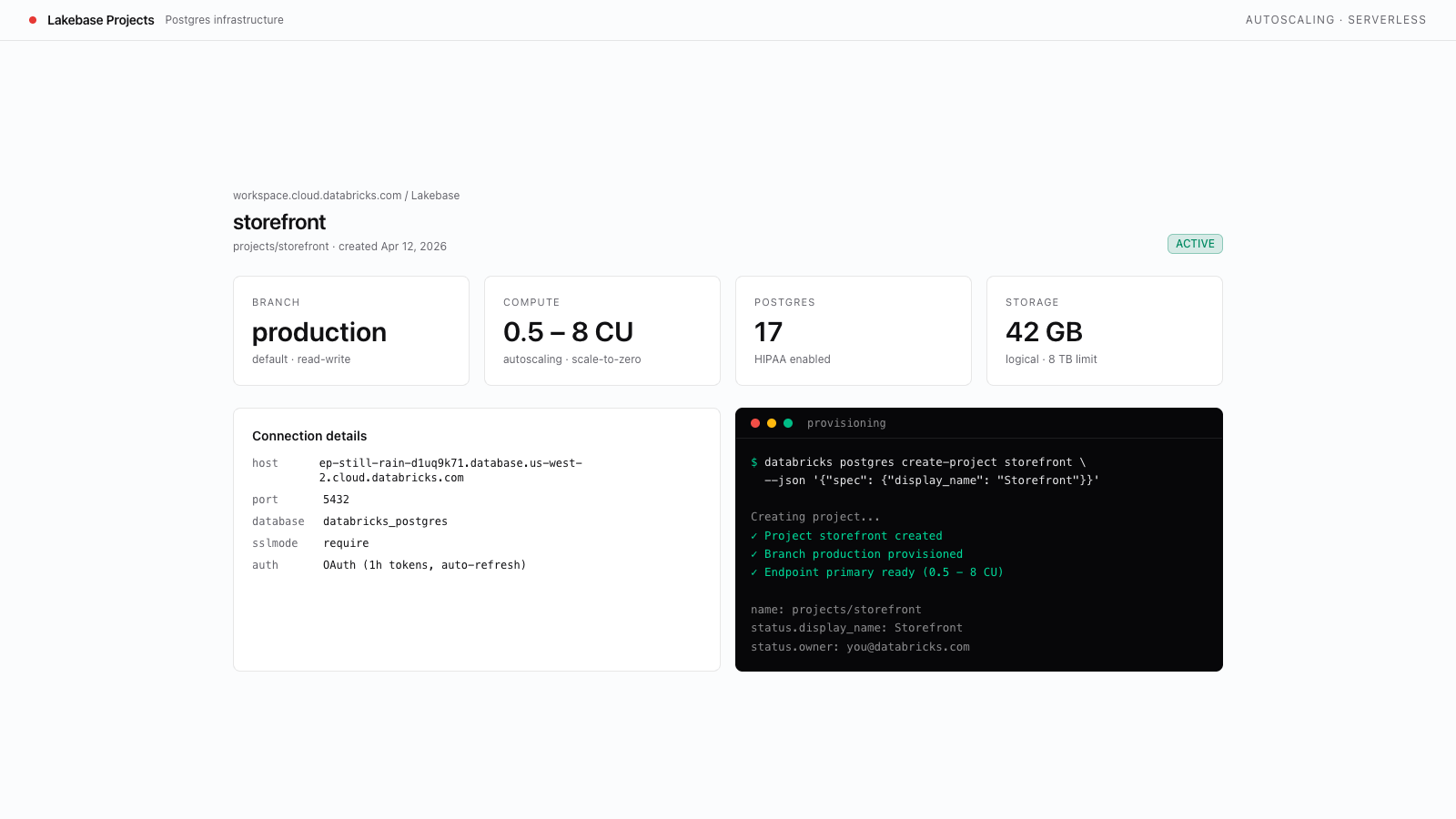
- Lakebase Postgres available. Run
databricks postgres list-projects --profile <PROFILE>and confirm the command succeeds. Anot enablederror means Lakebase is not available to this identity. - A provisioned Lakebase project. Complete the Create a Lakebase Project template first. You will read connection values from its branch, endpoint, and database.
- Machine-to-machine OAuth for production (optional). If you plan to run in production with a service principal, have
DATABRICKS_CLIENT_ID/DATABRICKS_CLIENT_SECRETready for that service principal. For local development, a workspace token fromdatabricks auth token --profile <PROFILE>is sufficient.