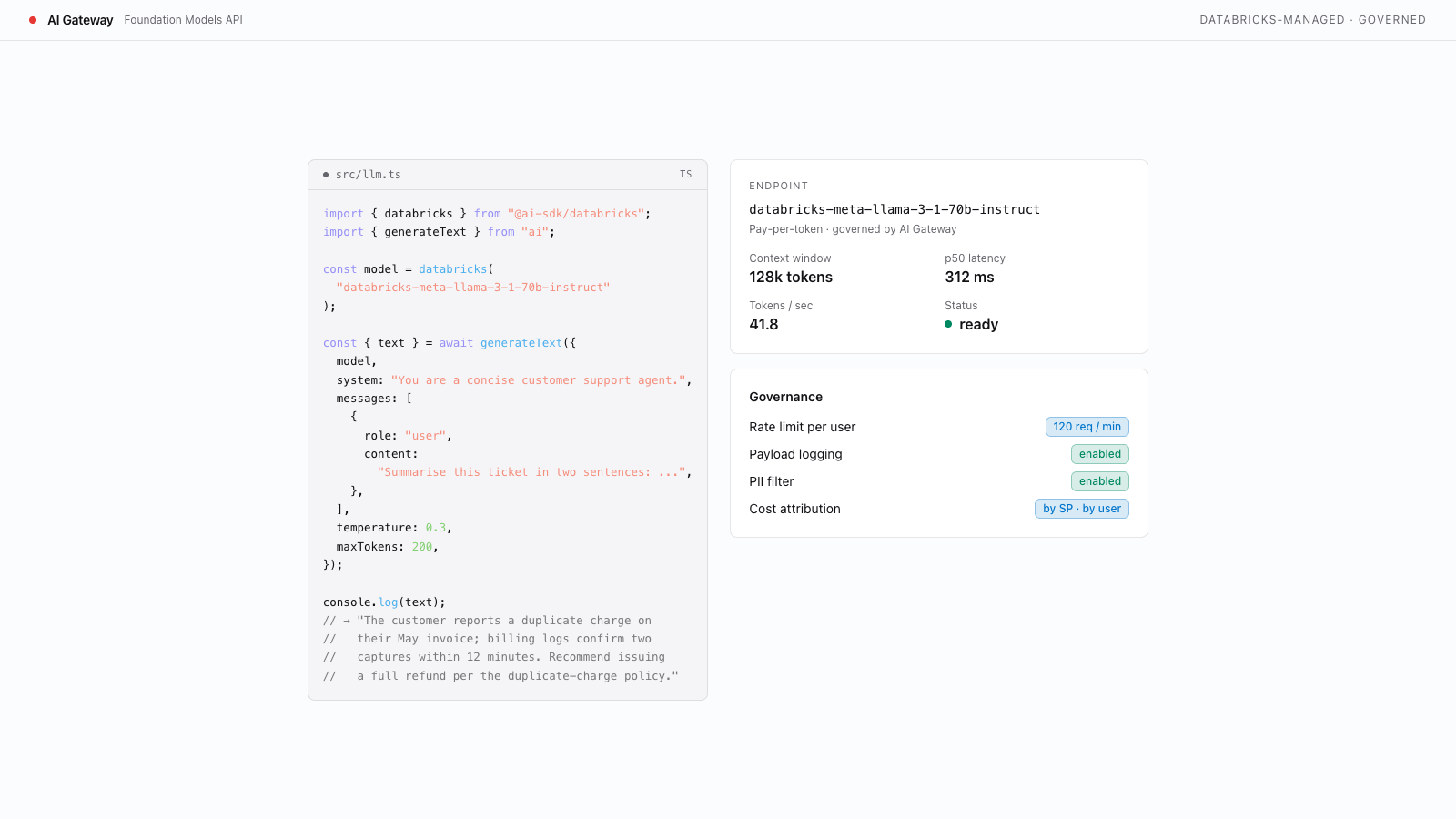
Create a Databricks Model Serving endpoint
Create and validate a Databricks Model Serving endpoint for AI chat inference in Databricks Apps.

Build with AI
- Copy the prompt below
- Paste into Codex, Claude Code, Cursor, or any coding agent
- Your agent builds it — asking questions along the way so the result is exactly what you want
New to templates? Learn more here
When done, you will have:
- A model serving endpoint running in your Databricks workspace
- The endpoint tested and confirmed ready for inference requests
- The endpoint name configured in your app for local development and deployment
Prerequisites
Verify these Databricks workspace features are enabled before starting. If any check fails, ask your workspace admin to enable the feature.
- Model Serving enabled. Run
databricks serving-endpoints list --profile <PROFILE>and confirm the command succeeds (an empty list is fine — you are about to create an endpoint). A permission ornot enablederror means Model Serving is not available to this identity. - Permission to create serving endpoints. Creating an endpoint requires workspace membership with the
workspace-accessentitlement;CAN_MANAGEis a per-endpoint ACL that governs managing an endpoint after it exists. Ifdatabricks serving-endpoints createreturnsPERMISSION_DENIED, ask your admin to check your entitlements. - A foundation model or registered MLflow model to serve. List the foundation-model endpoints already available in your workspace with
databricks serving-endpoints list --profile <PROFILE> -o json(look for names starting withdatabricks-). If you plan to serve a registered Unity Catalog model instead, confirm it exists in the Databricks UI under Models before runningdatabricks serving-endpoints create.