
Set Up Unity Catalog with External Storage
Create a Unity Catalog catalog backed by an external S3 bucket with storage credentials, external location, and a schema ready for lakehouse tables.
Build with AI
- Copy the prompt below
- Paste into Codex, Claude Code, Cursor, or any coding agent
- Your agent builds it — asking questions along the way so the result is exactly what you want
New to templates? Learn more here
When done, you will have:
- An IAM role granting Databricks access to your S3 bucket
- A storage credential and external location registered in Unity Catalog
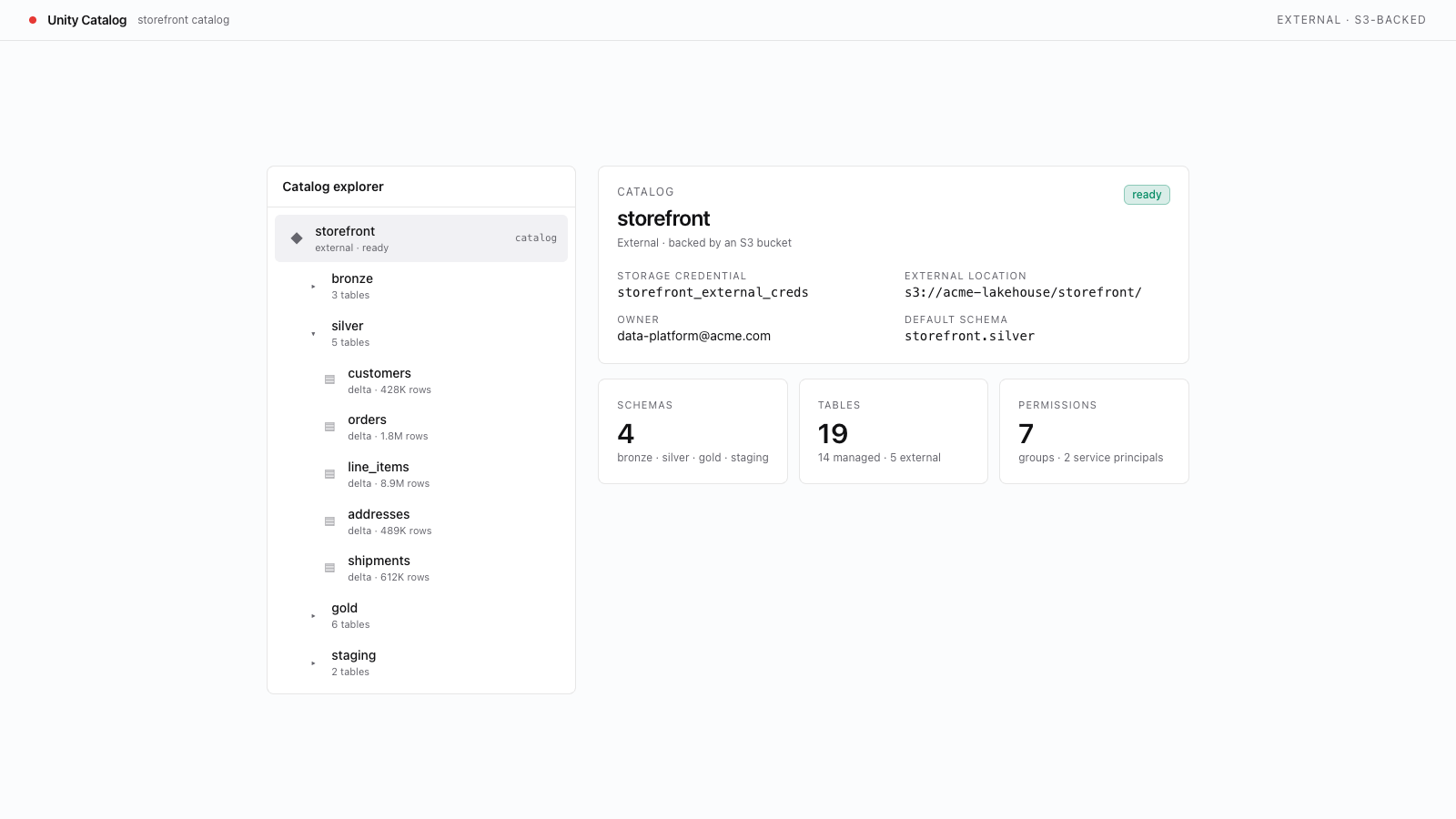
- A Unity Catalog catalog using your external S3 bucket as its storage root
- Infrastructure ready for Sync Tables, cross-account access, or custom lifecycle policies
Prerequisites
This template creates a Unity Catalog catalog backed by an external S3 bucket and requires AWS-specific privileges both in Databricks and in AWS IAM.
- AWS workspace. This template uses S3 and IAM; it does not apply to Azure or GCP workspaces. Confirm your workspace host is
*.cloud.databricks.com. - Unity Catalog enabled on the workspace. Run
databricks catalogs list --profile <PROFILE>and confirm the command succeeds and at least one catalog appears (e.g. your workspace's default catalog). Anot enablederror means the workspace is not attached to a Unity Catalog metastore. - Metastore privileges to create credentials and catalogs. You need
CREATE STORAGE CREDENTIAL,CREATE EXTERNAL LOCATION, andCREATE_CATALOGon the metastore. If any CLI call in this template returnsPERMISSION_DENIED, ask your metastore admin to grant the missing privilege. - An S3 bucket and IAM role in the same AWS region as your workspace. The bucket can live in a different AWS account — cross-account access is what the storage credential's IAM role provides. The template walks through pointing a storage credential at the IAM role; you must already have permissions in AWS to create the role and policy.


