Lakebase Token Management
Implement cached workspace and Lakebase credential token flows for secure Postgres access in off-platform deployments.

Build with AI
- Copy the prompt below
- Paste into Codex, Claude Code, Cursor, or any coding agent
- Your agent builds it — asking questions along the way so the result is exactly what you want
New to templates? Learn more here
When done, you will have:
- A token manager that fetches and caches Lakebase Postgres credentials with automatic refresh before expiry
- Support for direct token auth (local development) and M2M OAuth (production)
- An optional local dev script for refreshing your workspace token in your env file
Prerequisites
This template fetches and caches Lakebase Postgres credentials from a Node.js process. Verify these Databricks workspace features are enabled before starting.
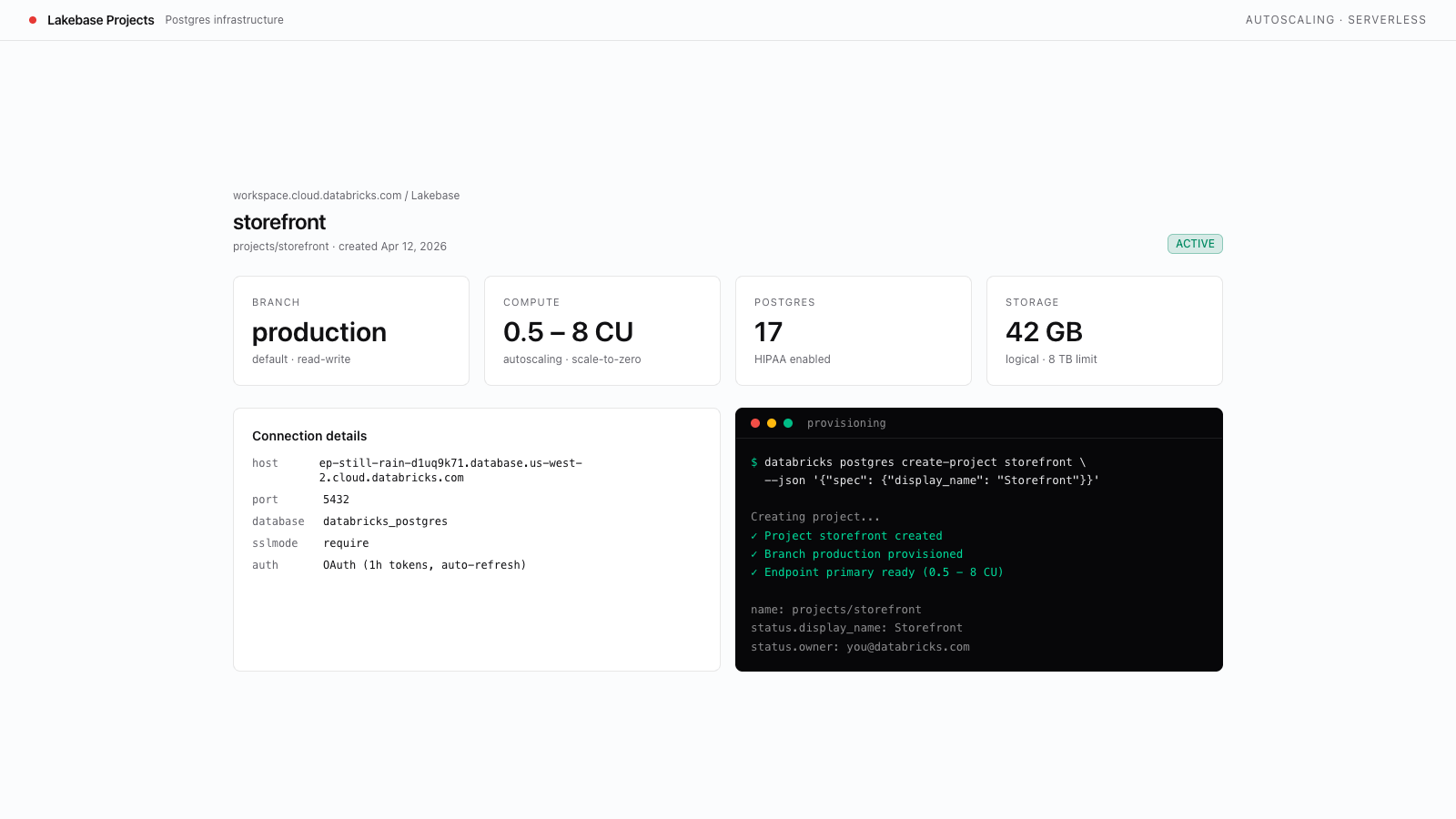
- Lakebase Postgres available. Run
databricks postgres list-projects --profile <PROFILE>and confirm the command succeeds. Anot enablederror means Lakebase is not available to this identity. - A provisioned Lakebase project. Complete the Create a Lakebase Project template first so you have a
LAKEBASE_ENDPOINTresource path to pass to the credentials API. - An env management setup. Complete the Lakebase Env Management for Off-Platform Apps template first — this template imports the validated
envmodule and expectsDATABRICKS_HOST,LAKEBASE_ENDPOINT, and eitherDATABRICKS_TOKENorDATABRICKS_CLIENT_ID+DATABRICKS_CLIENT_SECRETto be set.